MineTexture Open Editor

Rooms

Work on one pack with friends at the same time. No accounts, no uploads: browsers connect to each other directly.

  1. Open the pack you want to share and click Room in the top bar.
  2. Create Room. You get a code like K7QM-2XPA. You’re the host.
  3. Send the code. Your friends open MineTexture, type it under Join a room, and get a copy of the pack.
  4. Edit together. Strokes, layers, variation, models, sounds and text sync to everyone. Coloured cursors show who is where.
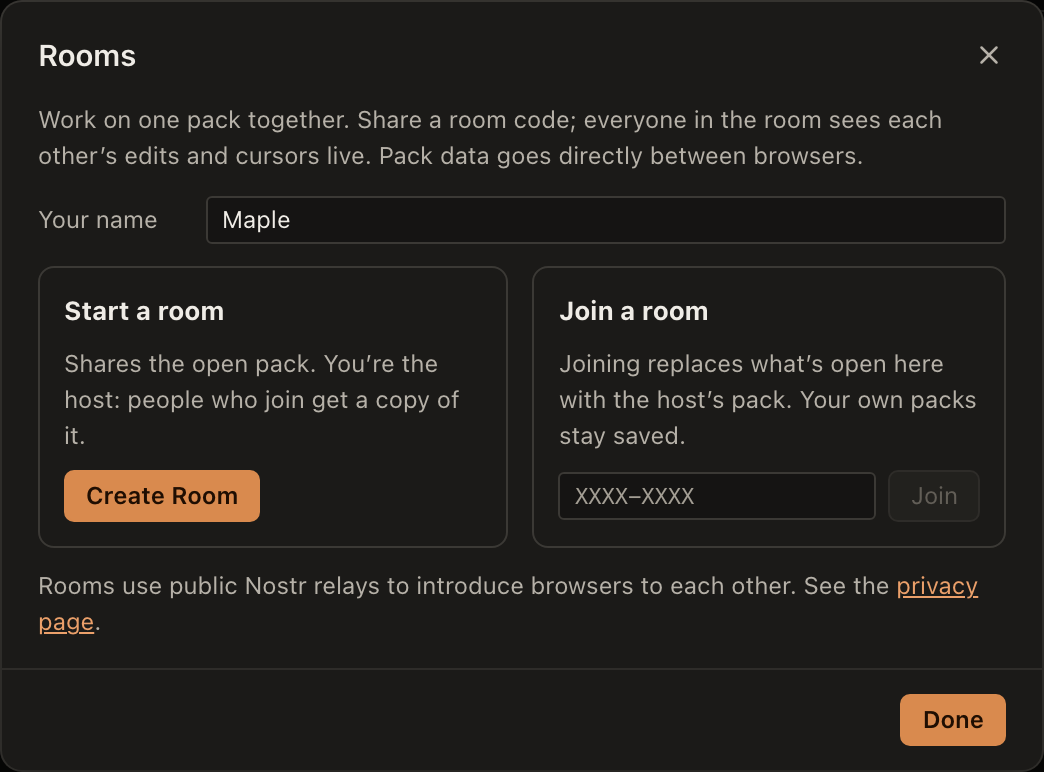
The Rooms dialog with a name field, Start a room and Join a room.
Who can join

Anyone with the code. It’s also the encryption key for the connection details, so share it only with people you trust.

If the host leaves

Everyone keeps their copy of the pack open and can export it. The room stays joinable when the host comes back.

How it connects

Browsers find each other through public Nostr relays, then talk directly over WebRTC. Pack data never goes through a MineTexture server.

Saving

Each person’s copy autosaves in their own browser. Export or save a project file whenever you like.

More detail on what’s sent where is on the privacy page.

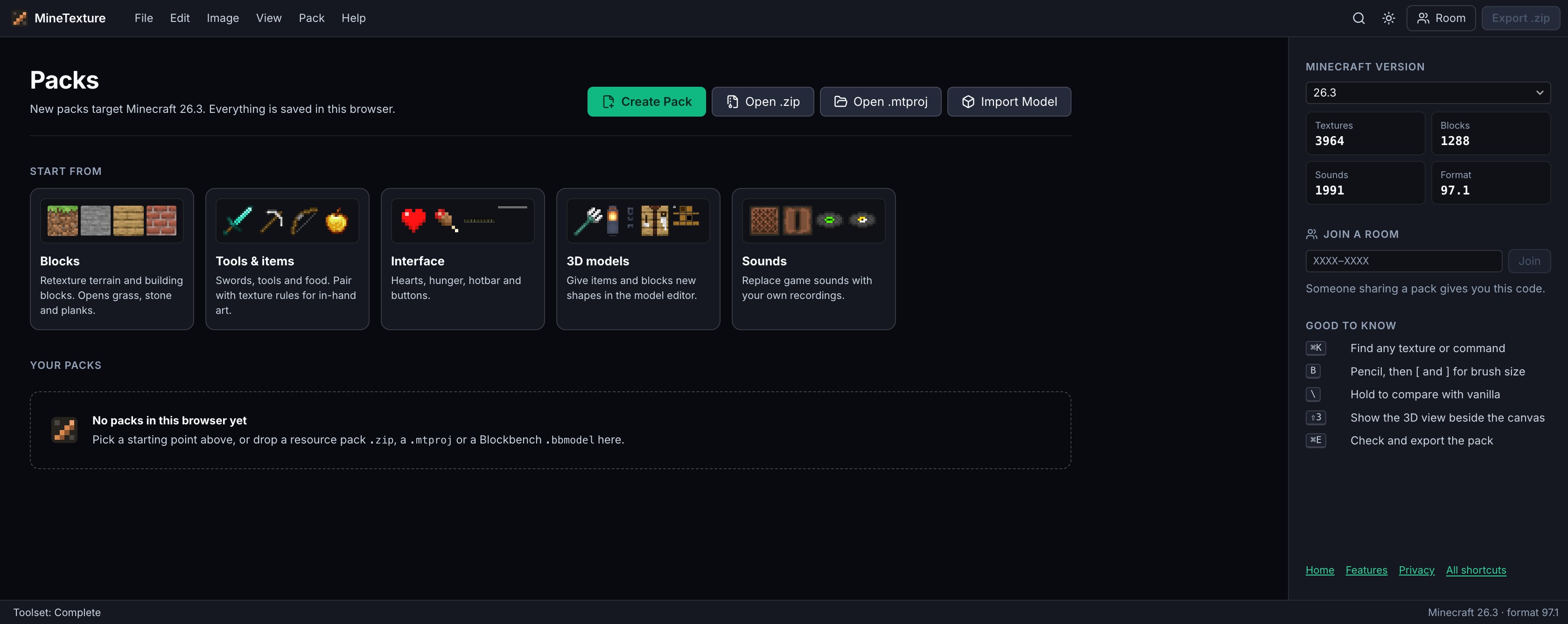
The MineTexture packs screen with Create Pack, Open .zip and Open .mtproj.

Start with an empty pack, or open one you already have.

Open Editor